Recoverable Structure Rewrite
The local processor attempts to read recoverable objects and write a new PDF structure.

Attempt a structural rewrite of a damaged PDF.
Drop files here or use the button below.
Up to 100 MiB total · Files stay on your device
Preview the document here. For added content, this is a placement guide; check the saved output.
Attempt a structural rewrite of a damaged PDF with the local qpdf engine. This can help when recoverable cross-reference or object-structure problems prevent an ordinary reader from opening the file cleanly. The operation produces a new PDF if the processor can recover usable structure.
The operation can recover usable structure only from data still present in the file. If a transfer stopped early, obtaining the full file again is more effective than rewriting an incomplete download. Keep the damaged input so you can compare later attempts or provide it to the document’s author.
The local processor attempts to read recoverable objects and write a new PDF structure.
The repair runs on your device without using an external document repair API.
Recoverable warnings may be reported with the result. Read those notes before deciding the output is usable.
Download a rewritten copy for comparison while keeping the damaged source for further investigation.
Try repair when the file has a plausible size, is not merely password protected and produces parsing or damaged-file errors in more than one reader. It may help a reader locate page objects that remain present but have inconsistent references. A single application-specific warning is a different diagnosis: check that reader’s compatibility before assuming the document itself is damaged.
Try to open an older retained report that now produces a reader warning. Compare page count and visible content with any known copy before replacing a working reference.
Investigate a supplier PDF that fails in several viewers. Keep the source and request a new export if the rewritten copy still contains blank pages or missing figures.
Test a course PDF that will not open after transfer. A fresh download is preferable for a truncated file; use structural repair when useful data appears to remain in the saved copy.
Select a copy of the damaged PDF and keep the original.
Select the screenshot to enlarge it.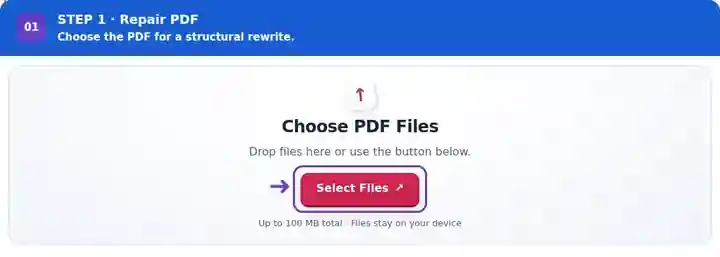
Start the structural rewrite and review any processor warnings.
Select the screenshot to enlarge it.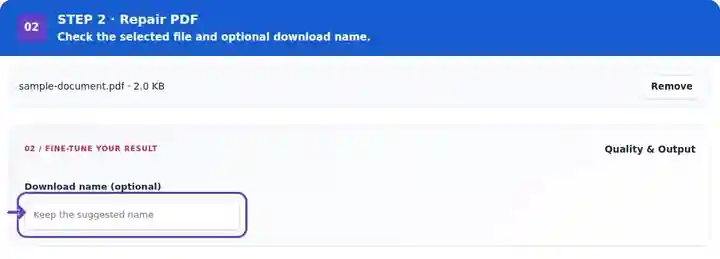
Download the repaired copy and inspect all expected content.
Select the screenshot to enlarge it.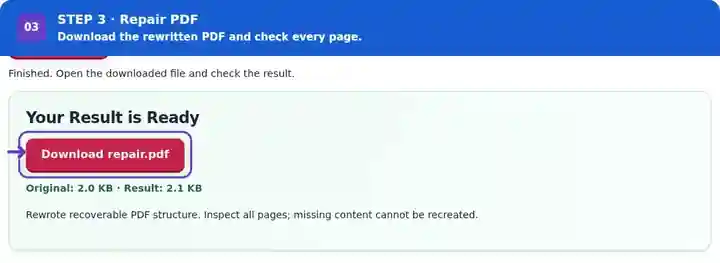
Screenshots show this toolkit using harmless sample files. Your file name, page count and settings may differ.
The source deliberately overstates the number of PDF objects in its trailer. The processor rewrites this readable document with the correct count and reports a recoverable warning.
The visible source page is intact. The defect is in its trailer object count, not missing page content.
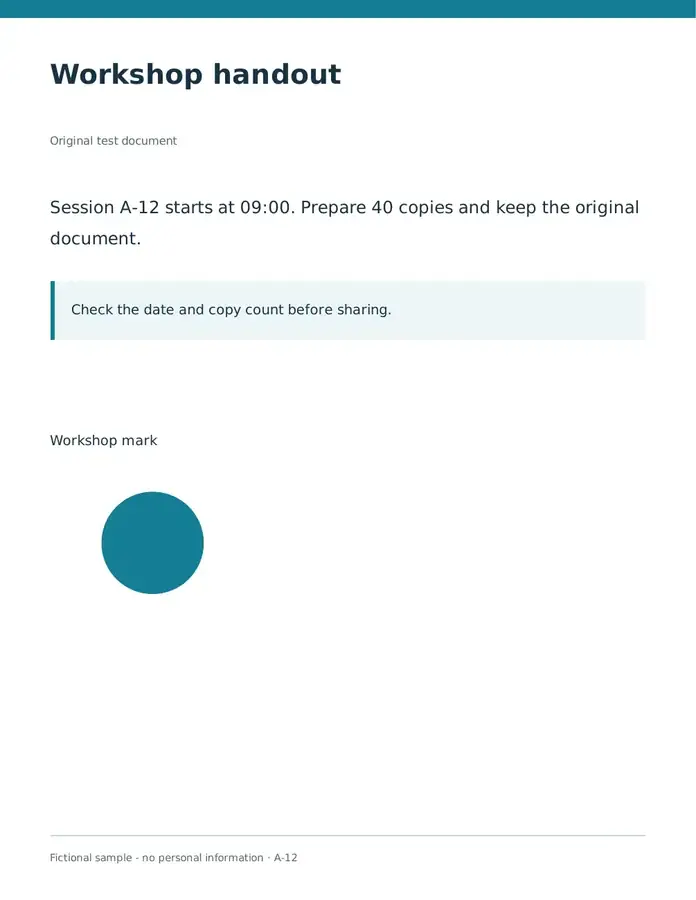
The repaired download retains the one-page text and appearance while correcting the trailer count.
Settings used: One input PDF; run Repair PDF with its standard settings.
This demonstrates one recoverable trailer fault. Files with a broken startxref pointer and a severely truncated sample were rejected in separate checks. Missing page content cannot be reconstructed.
Checked on . Original harmless samples processed locally in Chromium with version 3.16.0; this is not a production hosting benchmark.
| Setting | What to expect |
|---|---|
| Accepted input | |
| Processing location | Your browser, on your device |
| File selection | One input file |
| Input size | Up to 100 MB, subject to device memory |
Keep any processor warning with the repaired copy so the next reviewer can see what still needs checking.
Use the table of contents, a delivery record or an earlier copy as a reference. Verify the page count, then inspect section starts, the last page, illustrations and any expected attachments. Search a known phrase and try selecting text on a representative page. Keep the repaired result provisional if an expected item is absent; successful opening alone does not settle whether the document is complete.
| Situation | What to do |
|---|---|
| The source is zero bytes or almost empty | There is no meaningful document content to reconstruct. Obtain another copy. |
| The repaired file has missing images | Structural recovery cannot restore absent image data. Check a backup or source export. |
| The PDF is merely password protected | Use the authorized unlock workflow rather than treating encryption as corruption. |
A report may advertise 18 pages but contain a broken reference to page 7. If repair makes all 18 pages readable, compare page 7 with the report’s index or another known copy. If only 16 pages exist because the appendix was never fully downloaded, a rewrite cannot supply pages 17 and 18. That difference determines whether to keep the recovered copy or request a fresh export.
No. There is no document data to reconstruct. Obtain the file again from its source.
Structural recovery cannot recreate image data that was absent or corrupted in the input.
Try a fresh download or export from the authoring application. If only one reader fails, also test another reader.
Continue with PDF Reader, PDF to Text, Merge PDF.